Kravion for iOS
Turn reading into behavior.
One idea. One reflection. One action you actually take.
- Free to start
- No account for your first book
- Private by default
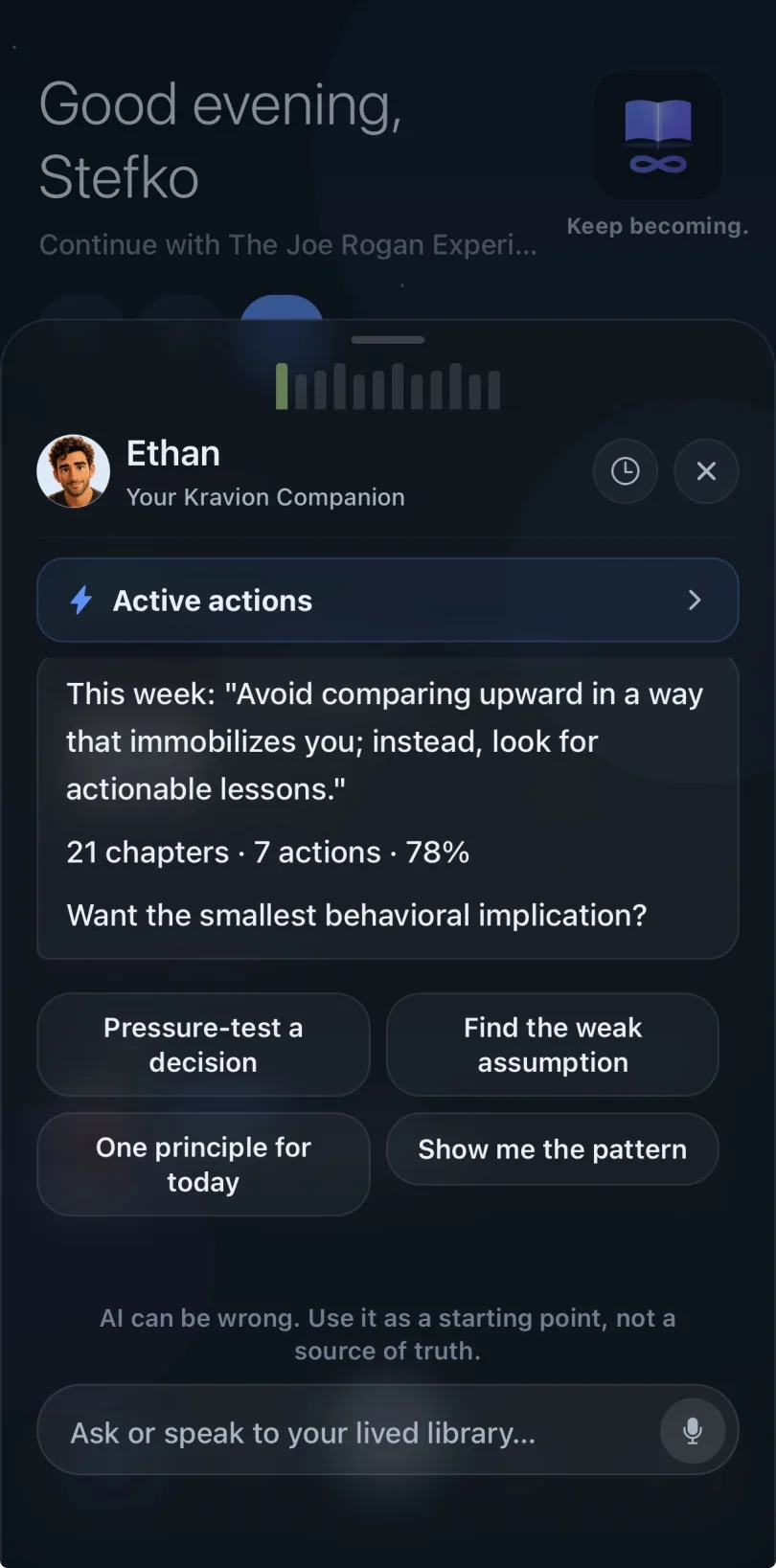
 Meet EthanYour reading companion
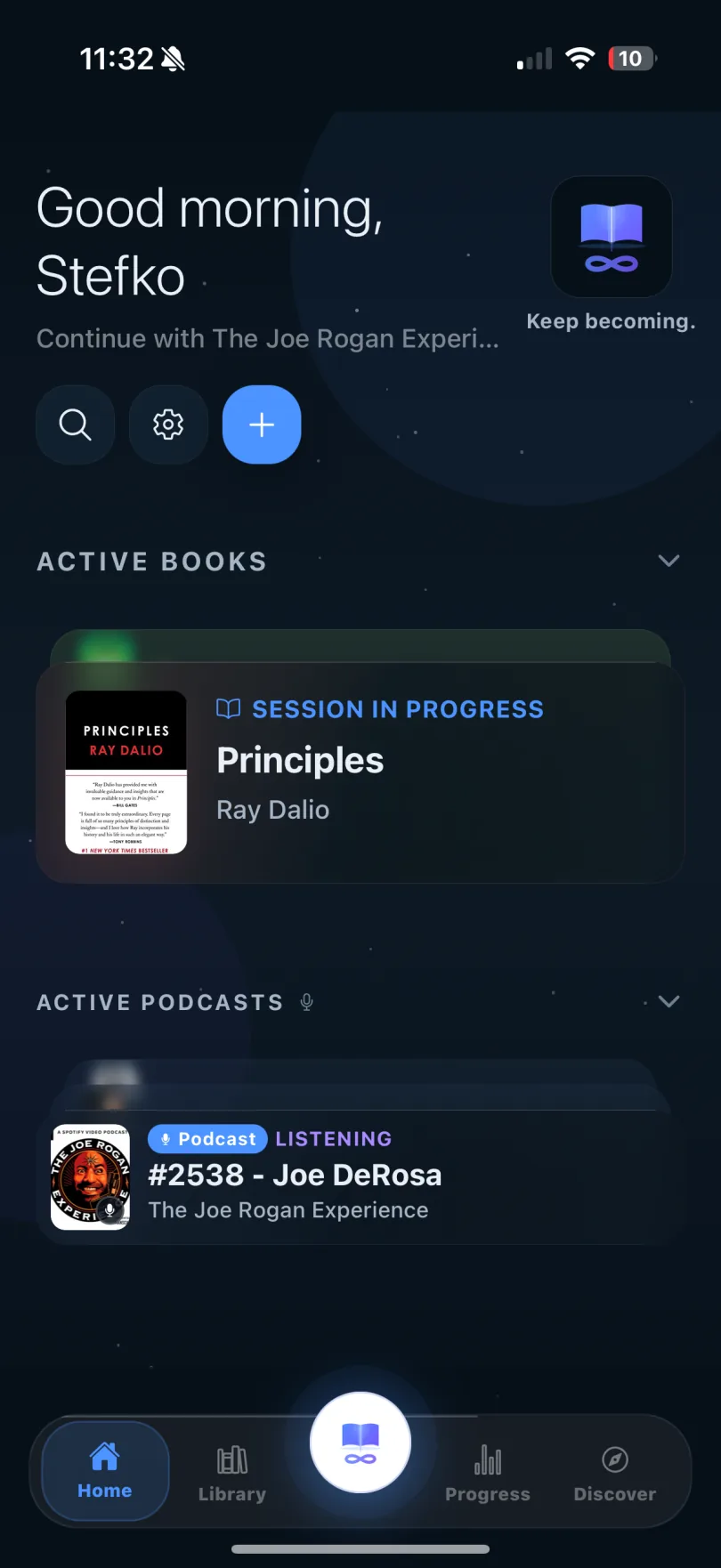
- Books and podcasts, one shelf
- Reflect with Ethan
- Available in German
- Private by default
- Works offline
The loop
Every session, one loop.
1
Insight
One idea, sized for one sitting.
2
Reflection
What it means for your week, in your words.
3
Action
One small step before the next session.
4
Review
The next session starts with what happened.
Inside the app
Read
Ask the book anything.
Every chapter opens as a conversation, not a summary.
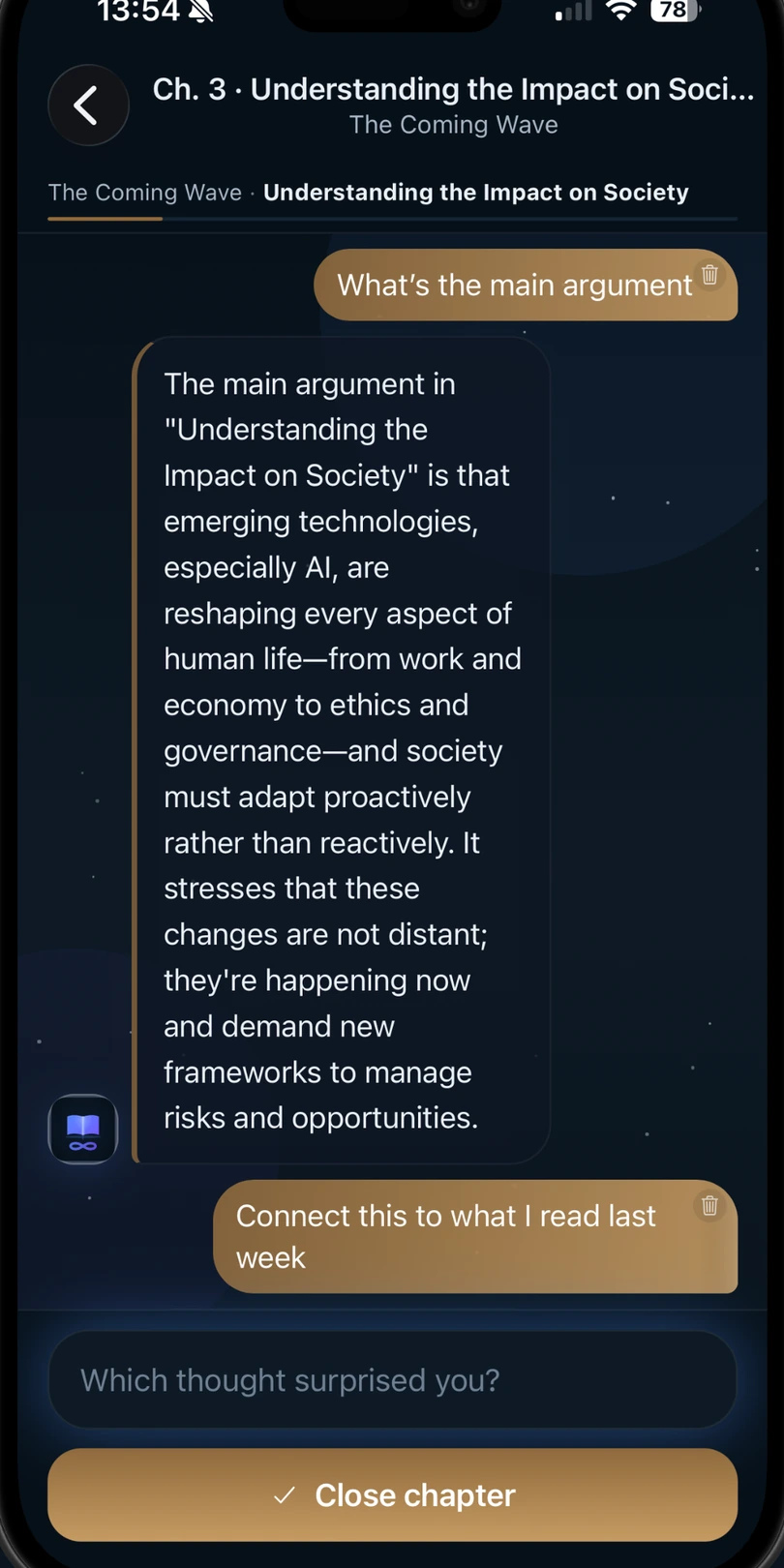
Reflect
Meet Ethan.
Your companion connects what you read to what you are working on.
Act
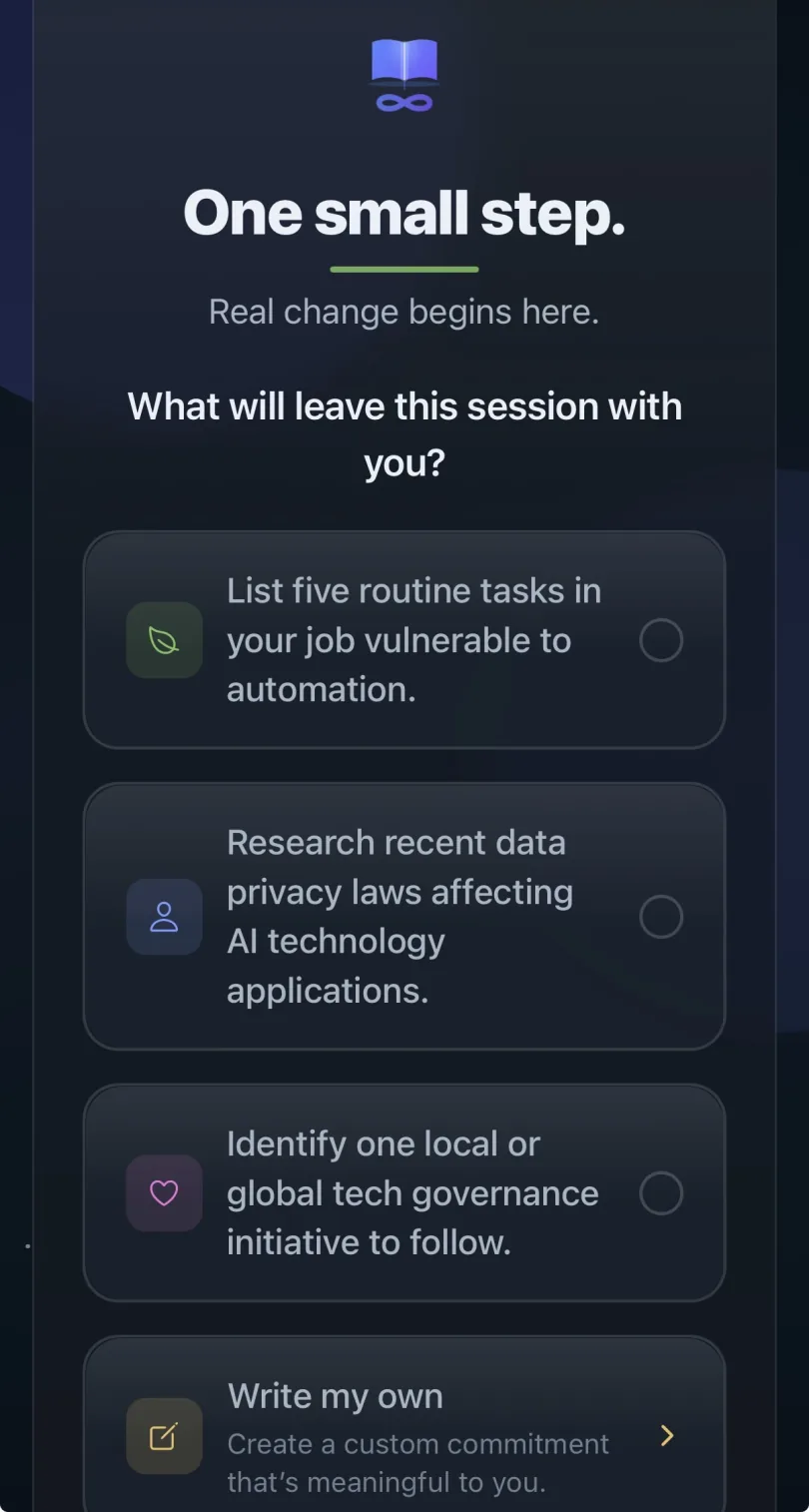
One commitment.
Each session ends with a step small enough to take today.
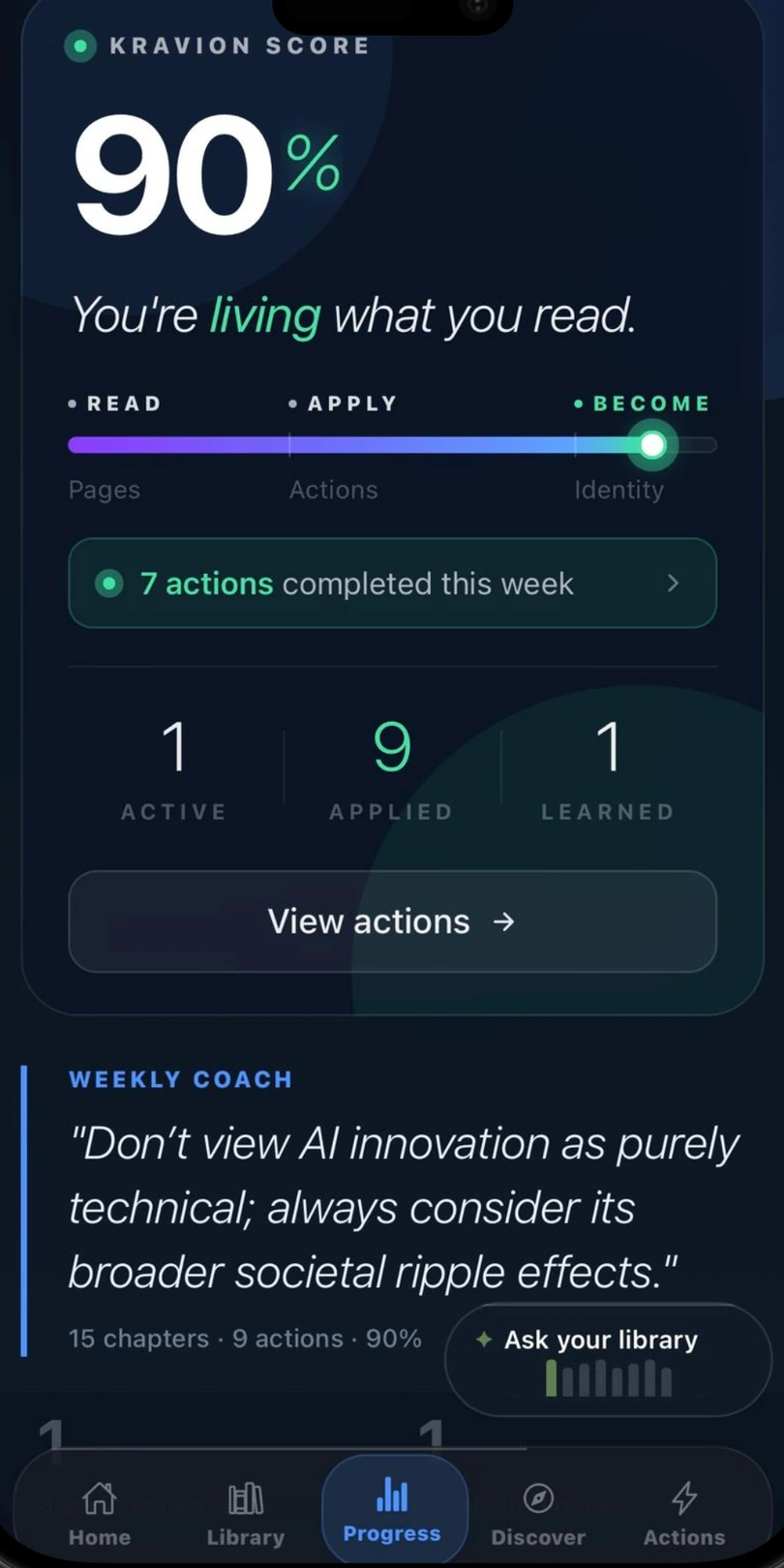
Grow
Progress you can trust.
The Kravion Score counts what you did, not time in the app. A missed day never erases it.
Your first book in a minute.
Free to start on iPhone. No account needed for your first book.
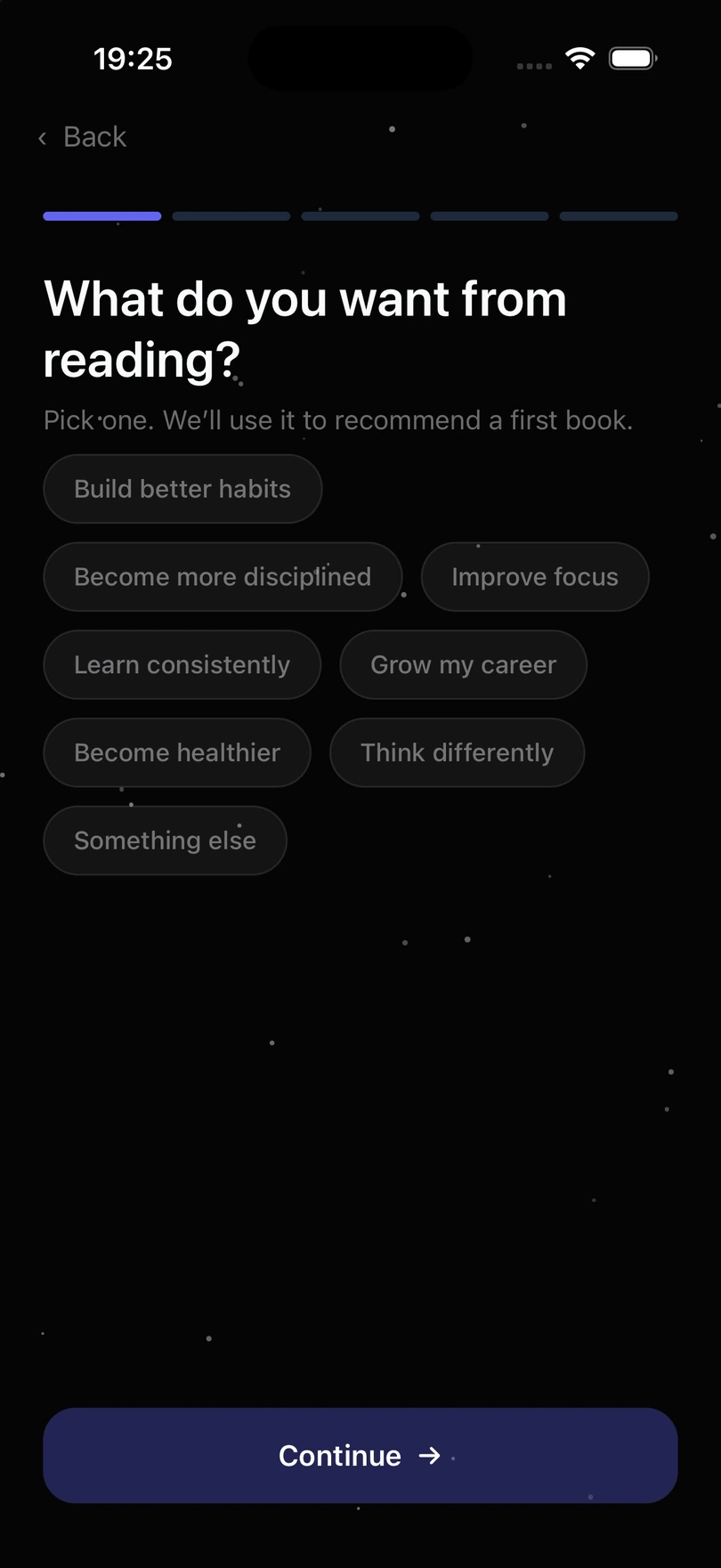
Name what you want from reading
Onboarding starts with intention (better habits, deeper focus, steadier learning) and shapes the first recommendation around it.
Step 1 of 2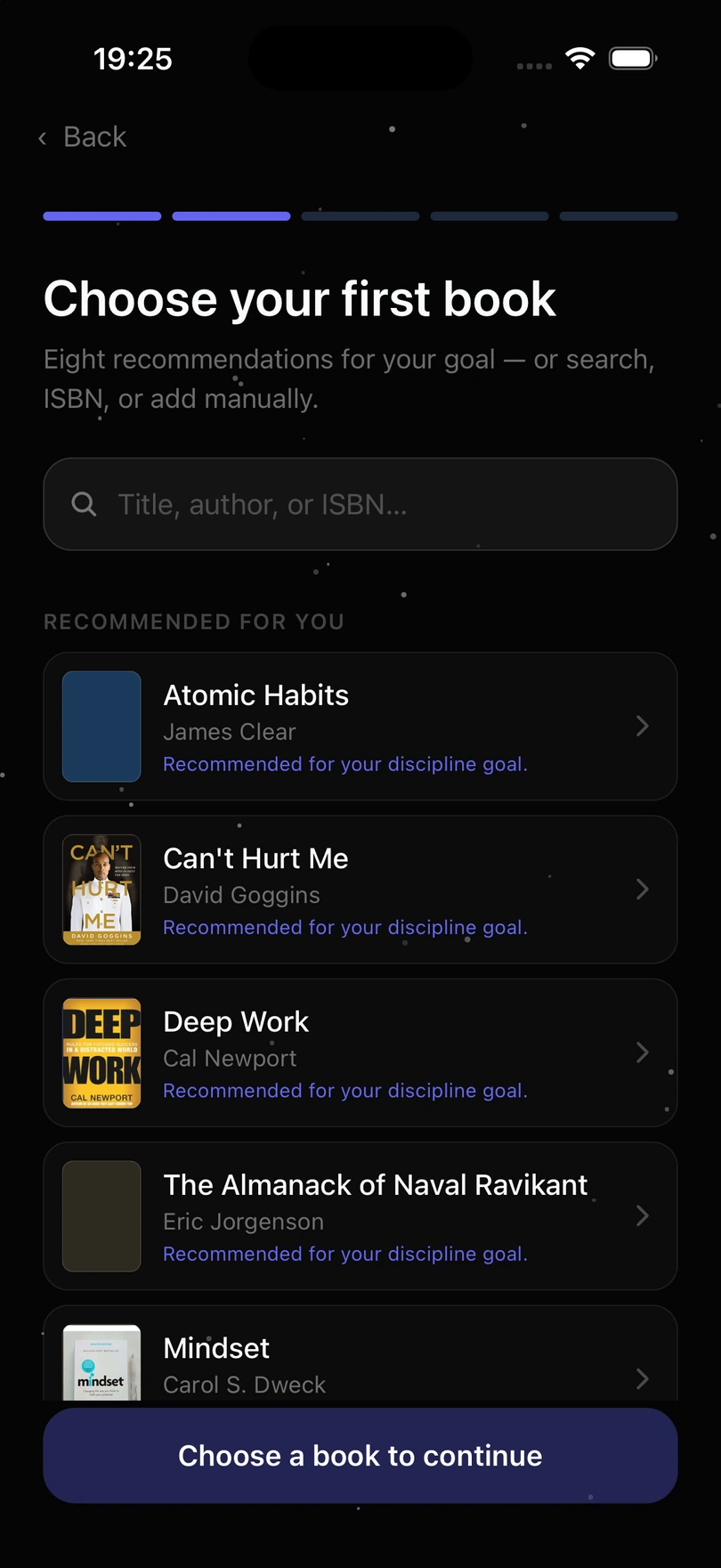
Choose a first book
Eight recommendations tuned to that goal, plus search by title, author or ISBN when you already know what you are picking up. Then pick Reading Guidance for clear next steps or Independent Reading to set your own pace, say how many sessions the book should take, and the first one opens.
Step 2 of 2Great App
“Really something I needed to in order to stick to my reading”
Start with a book.
Read the summary in the library, then take it into the app with one tap.
Open the libraryStart free.
Upgrade only if the loop earns it.
Free
Free / forever
- Up to 3 books
- Reading Guidance or Independent Reading
- Unlimited sessions in those books
- Reflections, insights and actions
- Companion: one question per day (UTC)
- Local library on your iPhone
- Cloud Backup not included
- Connected Insights, Knowledge Space, Growth Coach not included
Premium
From the App Store
Cancel anytime.
- Unlimited books
- Podcasts: add a show, reflect on episodes
- Books and podcasts on one shelf
- Read and reflect in German
- Companion without the daily limit
- Speak to the Companion by voice
- Connected Insights across your library
- Knowledge Space
- Growth Coach
- Cloud Backup of your library
iPhone only. The current price is shown at purchase
No lock-in. Cancel anytime. Your notes stay yours
Kravion is made by Scailara Labs